Video review: Ninja TX Go
Posted on Jan 16, 2026 by Pro Moviemaker
With CFexpress recording, wireless connectivity and camera control for mirrorless shooters, we try out the new Ninja TX Go
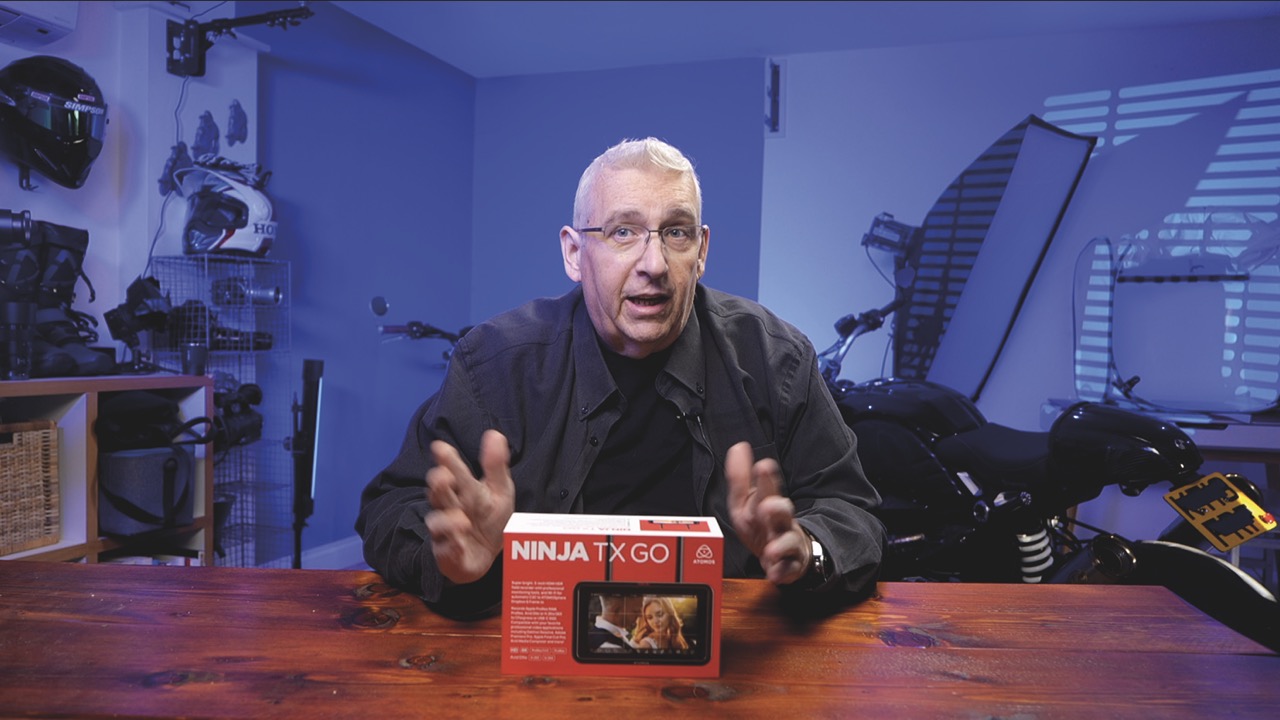
The Atomos Ninja line has long been a favourite among those who need high-quality monitoring and external ProRes or Raw capture. With the release of its new Ninja TX Go, the company takes a clever leap forward by delivering a lightweight five-inch recorder that borrows heavily from the flagship Ninja TX, but costs 25% less and is perfect for content creators.
We unboxed the brand-new TX Go and put it through its paces both in the studio and on location to see how much performance Atomos could pack into this compact powerhouse.
Straight out the box, the TX Go’s 1500-nit HDR touchscreen immediately stands out. It’s bright, crisp and a huge upgrade over most mirrorless camera displays. Alongside this great unit, Atomos includes aerials for wireless connectivity, a USB-C cable for camera control, brackets to take the strain off HDMI or USB-C cables and coloured tags to identify the device when multiple monitors are on-set.
One of the biggest changes is the company’s new AtomOS Linux platform – and the difference is noticeable. Menu navigation is speedier, monitoring tools respond instantly and the whole interface feels cleaner, smoother and more intuitive than earlier Ninjas.
Recording options are where the TX Go shines. Every major codec – Apple ProRes, ProRes Raw, Avid DNx and H.265 – is pre-loaded with no licence fees. Better still, the unit records up to 6K Raw to CFexpress Type B cards: a massive improvement over the SSD caddies of many previous Ninjas. You can still plug in external USB-C SSDs if preferred, but CFexpress makes the TX Go far more portable and reliable.
Wireless connectivity is also good. With Camera to Cloud integration, Wi-Fi 6E and NDI 6 streaming it fits neatly into modern remote workflows. Upload takes directly to Atomosphere, Frame.io, Dropbox or Mavis while still shooting – ideal if you have a remote editor or tight turnaround.
Camera control is where things step up. A recent firmware update brings full touchscreen control of supported cameras. Users can adjust exposure, ISO, aperture, shutter speed and start or stop recording directly from the Go. Touch-to-focus also works on compatible cameras. For solo operators, gimbal users or tight rig builds, the Go is a real quality-of-life revolution.
Learn more by visiting the Pro Moviemaker YouTube.